

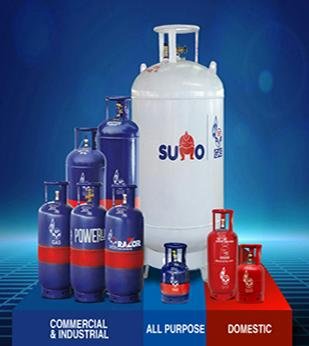
Gone are the days when booking a gas cylinder meant waiting in long queues at the distributor’s office. With digital solutions, HP Gas has made cylinder booking easy, quick, and available 24×7. At Lonkar HP Gas Agency, we provide multiple booking options so you never run out of fuel in your kitchen. Here’s a step-by-step guide:
1. HP Pay Mobile App
- Download the HP Pay app from the Google Play Store or Apple App Store.
- Register with your LPG ID and mobile number.
- Select “Book Cylinder” and make payment through UPI, card, or net banking.
2. IVRS (Interactive Voice Response System)
- Dial 88888 23456 from your registered mobile.
- Follow the instructions and confirm your booking.
3. Missed Call Booking
- Just give a missed call to 94936 02222 from your registered number.
- Your refill booking will be auto-confirmed.
4. Website Booking
- Visit www.myhpgas.in.
- Log in with your LPG ID and password.
- Place your order and pay online.
5. WhatsApp Booking
- Send “Hi” to 92222 01122 on WhatsApp.
- Follow the chatbot instructions and complete your booking.
6. Payment Wallets
- Use Paytm, Amazon Pay, PhonePe, or any BBPS-enabled app.
- Go to the “Pay Bills / Utilities” section and select HP Gas.
7. Visit Your Distributor
You can always book directly at Lonkar HP Gas Agency offices across Pune for personalized support.
💡 Tip: Always book your cylinder a few days before it runs out to avoid last-minute hassle.
At Lonkar HP Gas Agency, we ensure that your bookings are processed quickly and cylinders reach your doorstep on time. Convenience is just a call, click, or tap away!